Using Workspaces
Workspaces in augg.io CMS
Workspaces let you organize applications, locations, and experiences into separate environments.
This is especially useful when you have many applications, locations, experiences and also multiple people in organization.
This guide will walk you through creating and managing workspaces.
Why use Workspaces
Workspaces are especially useful for keeping your content organized when you have many applications, locations, and experiences.
You can think of them like folders that group related items together.
Workspaces are also helpful when multiple people in the same organization are working on different projects, since each project can be kept separate in its own workspace.
Creating a Workspace
To create a new workspace:
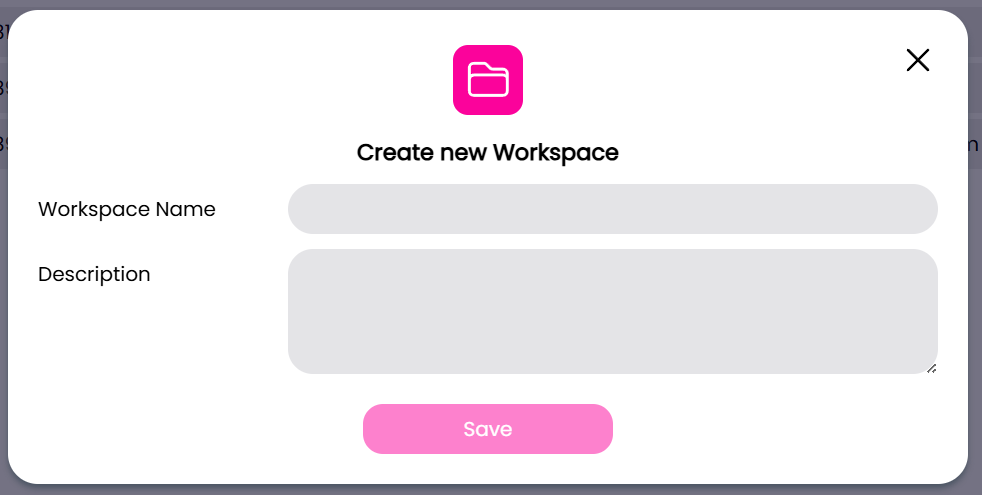
- Click on your current workspace or navigate to Workspaces on the left side menu
- Click the New Workspace button
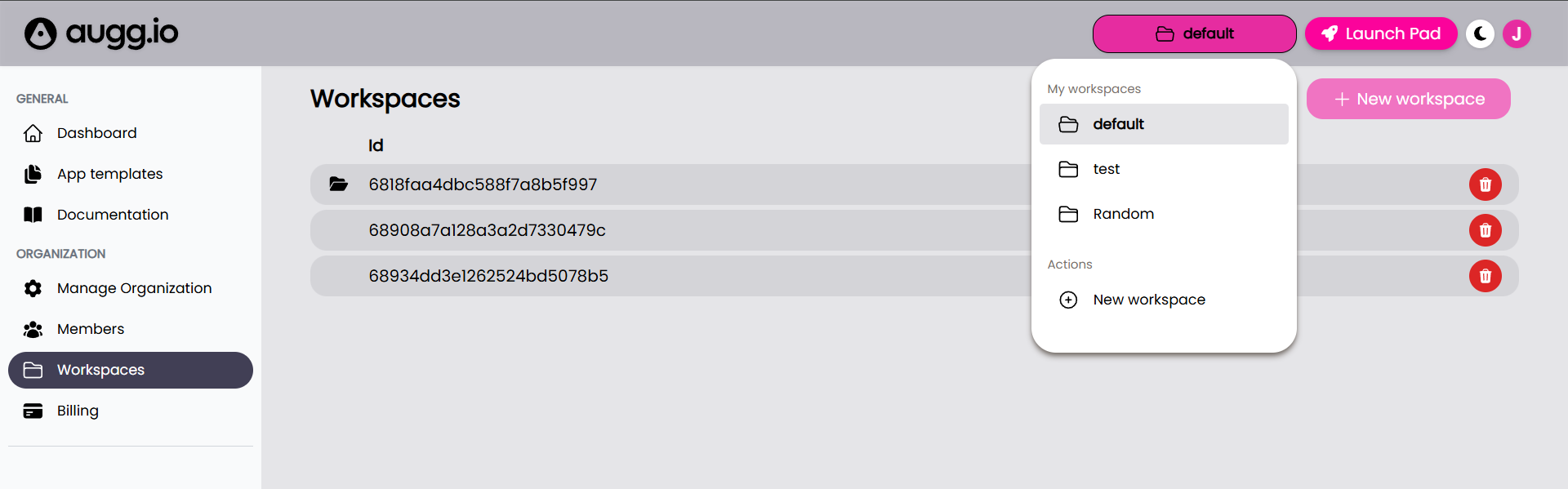
- Enter a name and, optionally, a description for your workspace
Managing Workspaces
You can manage your workspaces from the Workspaces tab
Switching Workspace
To switch to another workspace:
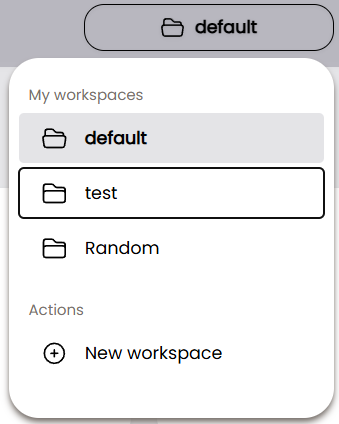
- Click on your current workspace in the top-right menu
- Select the workspace you want to switch to
Editing Workspaces
To modify an existing workspace:
- Click on the workspace you want to edit
- Update the name or description in the form
- Save your changes
Deleting Workspaces
To delete an existing workspace:
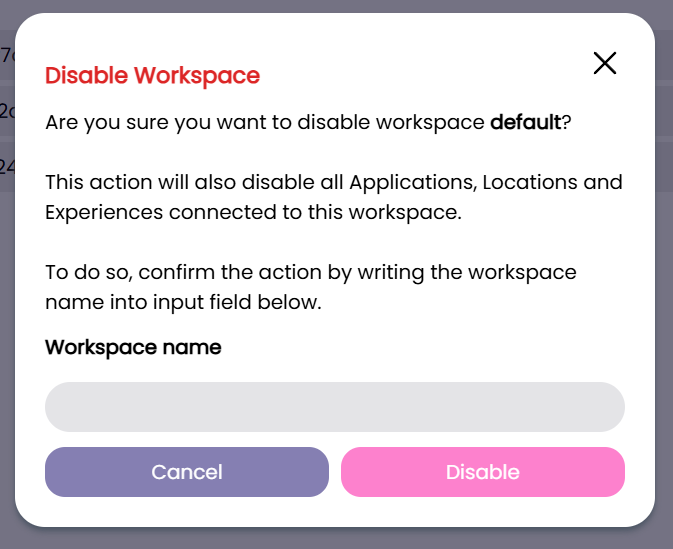
- Click on the red trashcan icon of the workspace you want to delete
- Confirm the deletion in the disable workspace form